Podcastools
Free tool • No login required

Podcast Cover Art Maker

Create professional 3000×3000 podcast cover art in minutes. Pick a layout, upload a photo, adjust colors, and export a platform‑ready JPG. A focused podcast logo maker built specifically for podcast logos and nothing else.

Open the editor
4.9/5 from 300+ creators
Editor window illustration

Try the maker

3000×3000 export

Design podcast cover art

Design 3000×3000 podcast logos and cover art with ready-made layouts.

Design your cover

3000×3000 px, sRGB JPG export. Upload a photo, pick a layout, and tune colors. Keep titles short for best readability.

JPG quality
Tip: Keep critical text inside the dashed box. Avoid tiny text.

Find the feature you need

Search across templates, export options, color controls, and more.

7 results
  • Template-based layouts

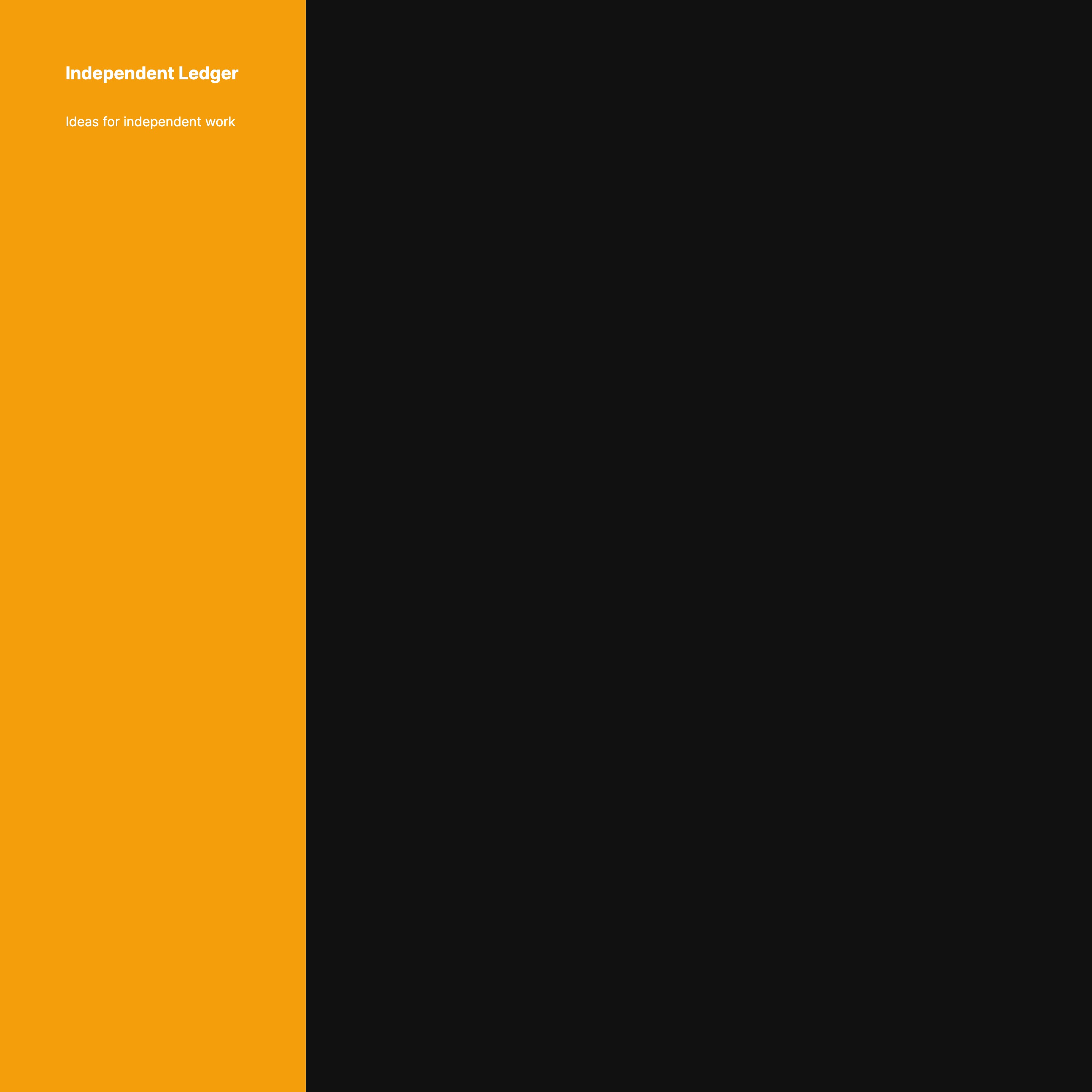
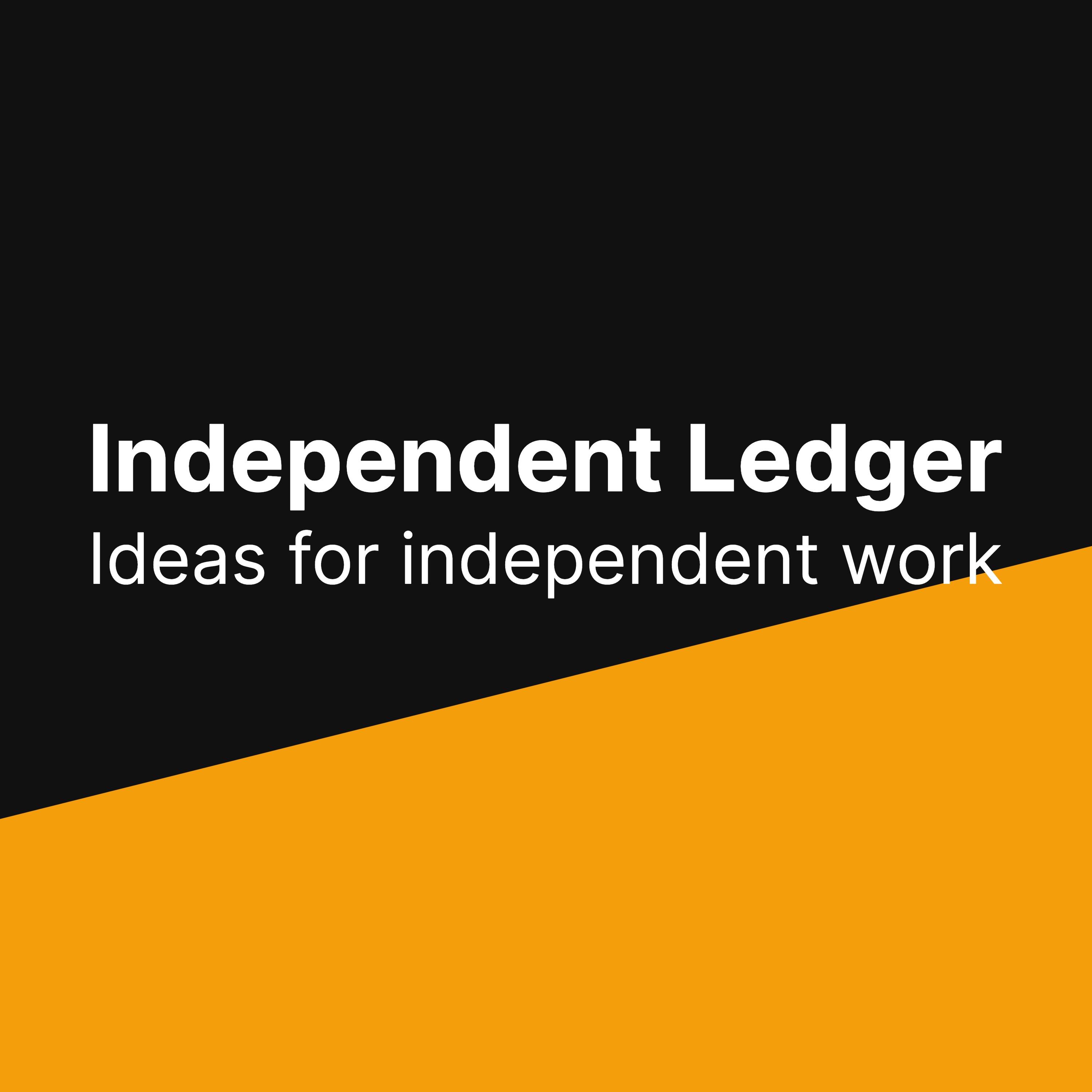
    Four polished presets — Centered, Bold Title Top, Left Banner, and Diagonal Stripe — designed to keep titles readable and modern.

    templateslayoutspresets
  • Photo upload with precise control

    Import your own image and fine-tune zoom and X/Y position so the subject sits perfectly in frame.

    uploadzoomposition
  • Auto color from photo

    One click analyzes your photo and picks a harmonious background and accent color for instant cohesion.

    colorspaletteauto
  • Smart text fitting

    Type your title and the editor sizes it to fit the layout, keeping your design balanced and legible.

    typographyfittitle
  • 3000×3000 JPG export

    Download a compliant, high-quality JPG ready for Apple Podcasts and Spotify. Quality slider included.

    exportjpg3000x3000
  • Safe margin guides

    Toggle a dashed overlay that shows recommended safe areas so important words never get cropped on thumbnails.

    guidesmarginsoverlay
  • No account required

    Open the editor and start designing. Save locally and iterate freely without signups.

    freeno-login

How to design podcast cover art

Your podcast artwork is the first impression listeners get in Apple Podcasts and Spotify. It has to be clear at postage‑stamp size, but still feel distinct full‑screen.

1. The Standards

Most platforms expect a square image at 3000×3000 pixels, exported in sRGB as a compressed JPG. This ensures high quality on Retina displays while keeping file sizes streamlined for mobile.

2. Legibility First

When artwork shrinks to 64 pixels wide, thin letterforms disappear. Lean on bold weights, high contrast, and simple geometry. Your title should be unmistakable even at a glance.

3. Text vs. Graphics

Podcast specific "logos" are usually text-forward. You can include a photo—portraits work well—but the layout should ensure the text remains the hero. This blend performs best in directories.

Loved by indie hosts and teams

★★★★★
“The fastest way we found to ship great podcast cover art. Exported a perfect JPG for Apple in one click.”
— Mia, creative producer
“Templates strike the right balance: on‑brand but never busy. Auto colors from the photo were spot on.”
— Connor, indie host
“We tried full design tools and got lost. This podcast logo maker is focused and incredibly usable.”
— Shan, marketing lead

FAQ

Does it work on mobile?

Yes. The editor runs in the browser and supports touch for sliders and basic interactions. For precise photo positioning, a trackpad or mouse is more comfortable.

What file format does it export?

A compressed JPG optimized for podcast directories. The export is 3000×3000 pixels in sRGB. PNG support may be added later.

Can I design other graphics?

No. This tool focuses exclusively on podcast cover art and podcast logos so the workflow stays fast and uncluttered.

How can I keep text readable on tiny thumbnails?

Use short titles, avoid thin fonts, and keep strong contrast between background and type. The templates and safe margin overlay are tuned for this.

Export a polished cover today

Pick a layout, type your title, and download a compliant JPG in minutes. No logins, no bloat.

Open the editor

Explore more free tools